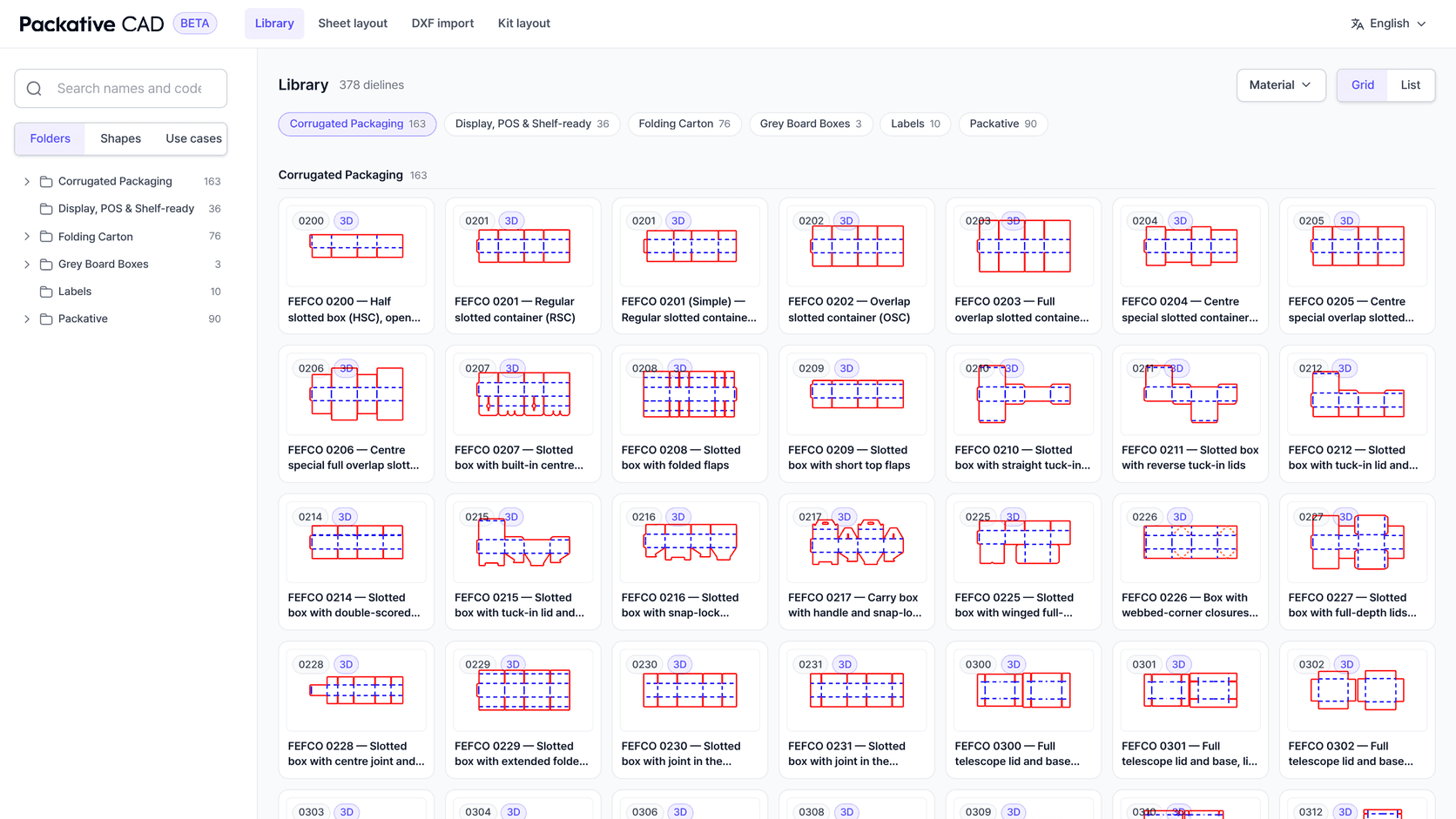
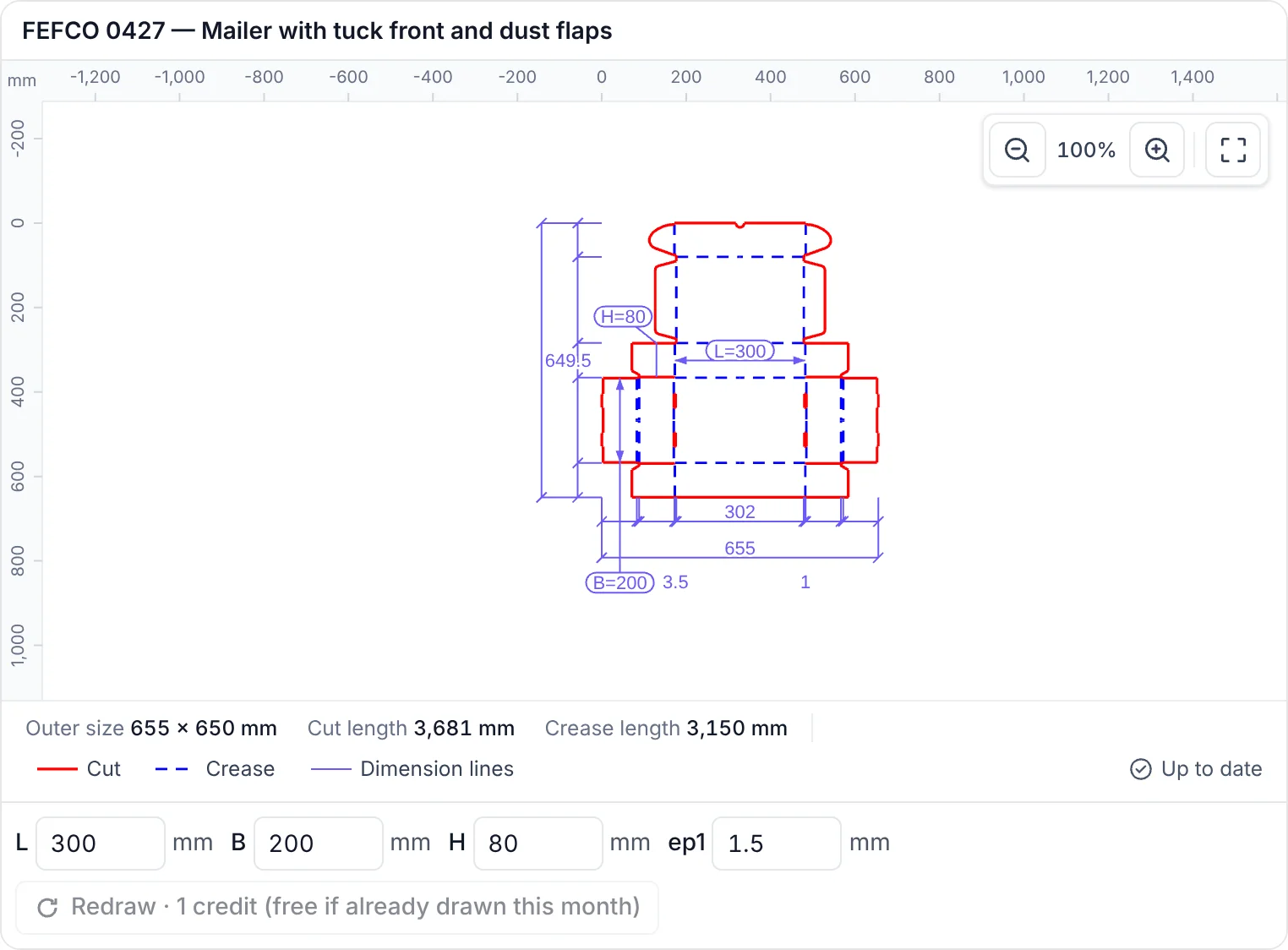
Packative CAD now works as a connector inside Claude and ChatGPT. Ask for "a FEFCO 0201 at 300 × 200 × 150 mm in B flute" and the assistant finds the template, sizes it and shows the dieline in the conversation, with its dimensions, cut length and crease length. Ask it to lay the box out on your sheets, put a lid and base together as a kit, or fold it in 3D, and each answer appears as an interactive view you can zoom, resize and turn.
It runs on the same engine as the Packative CAD web app, with the same library, the same files and the same monthly credits. Other packaging connectors show a mockup or hand back a template. As far as we can find, as of November 2026, this is the first one that also lays the dieline out on your sheets, nests several parts as a kit and matches your own die drawing to the library, all inside the chat.
What You Can Ask For
The connector gives the assistant the whole of Packative CAD to work with:
- Find a dieline by name, code, shape, use case or material, and read its parameters before sizing it.
- Draw it at your sizes and board, with the outer size, cut length and crease length.
- Lay it out on a sheet, or put several parts on one sheet in a fixed ratio as a kit.
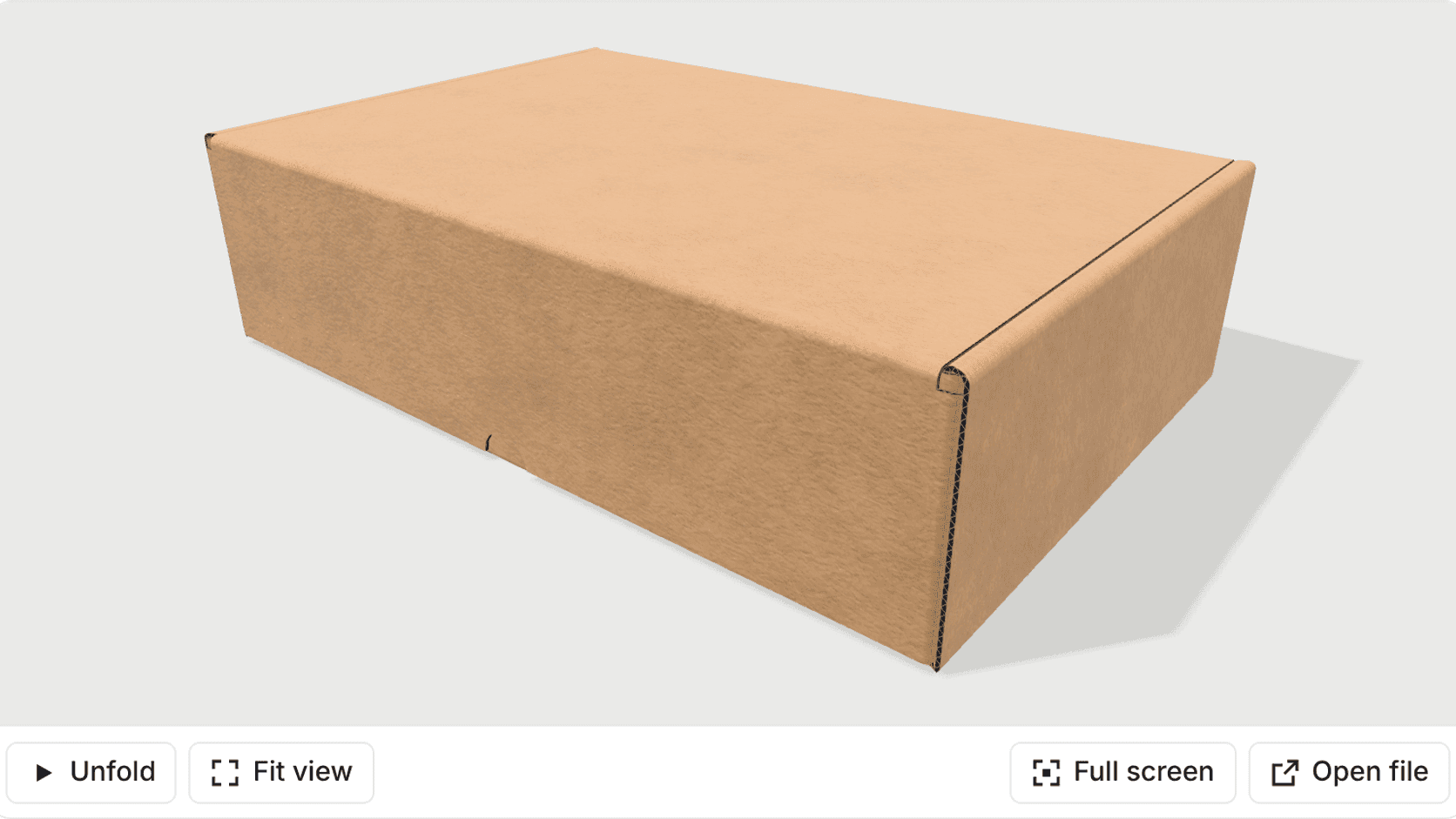
- Fold it in 3D in the board you choose, as a page anyone can open or a GLB file.
- Download the dieline or the layout as PDF, AI, DXF, SVG, EPS or PNG.
- Put your artwork on the box, or match a DXF you already have to the library.
The assistant chains these on its own. "Draw a reverse tuck-end carton for a 60 mm jar, check how many fit on a 1,020 × 720 sheet and send me the PDF" is one request.
Adding the connector takes a few minutes and installs nothing on your computer. The guide to setting up Claude and ChatGPT has the connector address and each step.
The Drawing Shows Up in the Chat
In Claude and ChatGPT the dieline appears inside the conversation with its dimension lines, the same way it does in the web app. The sizes sit underneath, so you can change them and redraw without asking again.
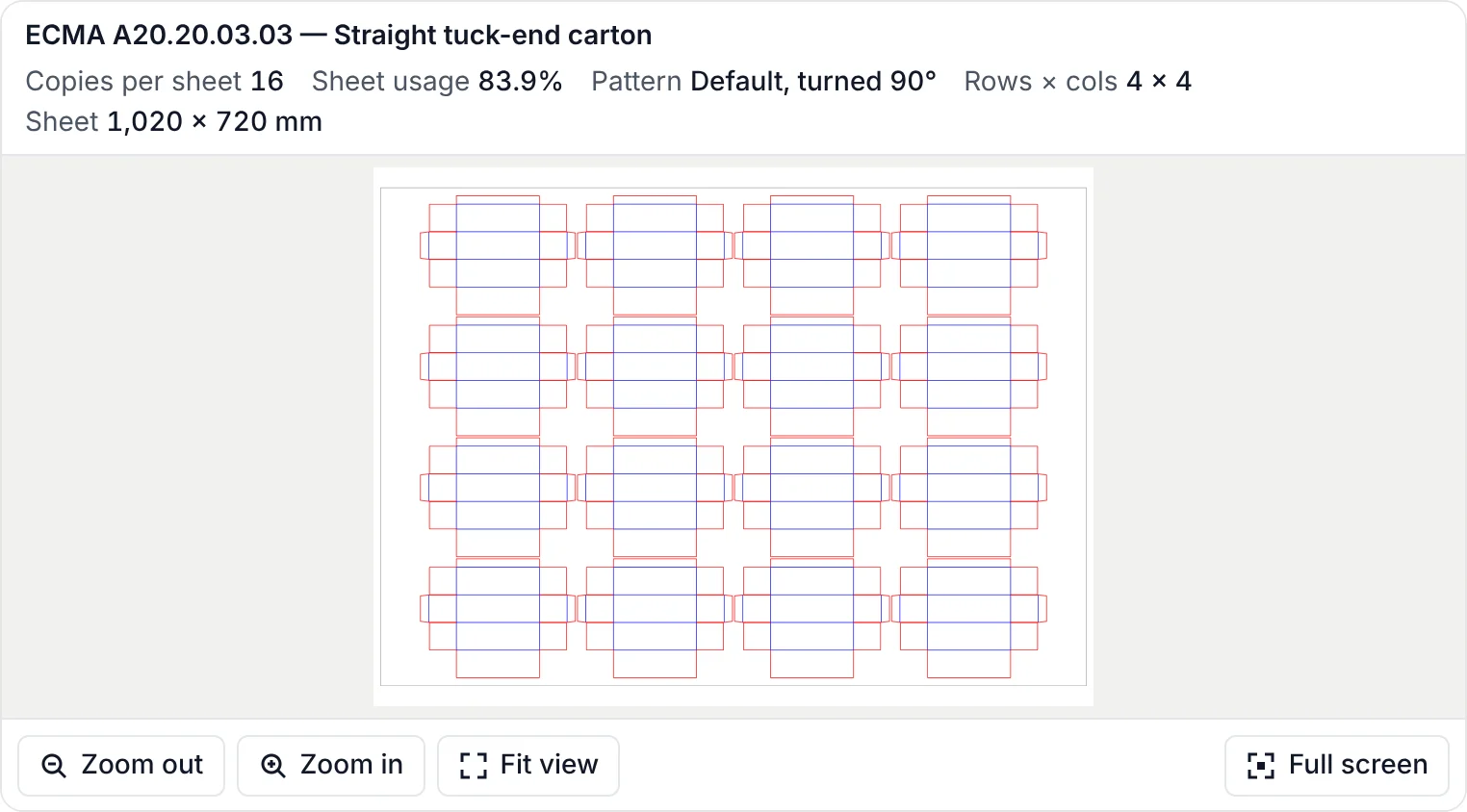
Sheet layouts come back the same way, as the sheet with the blanks drawn on it and the count, sheet usage and pattern above it.
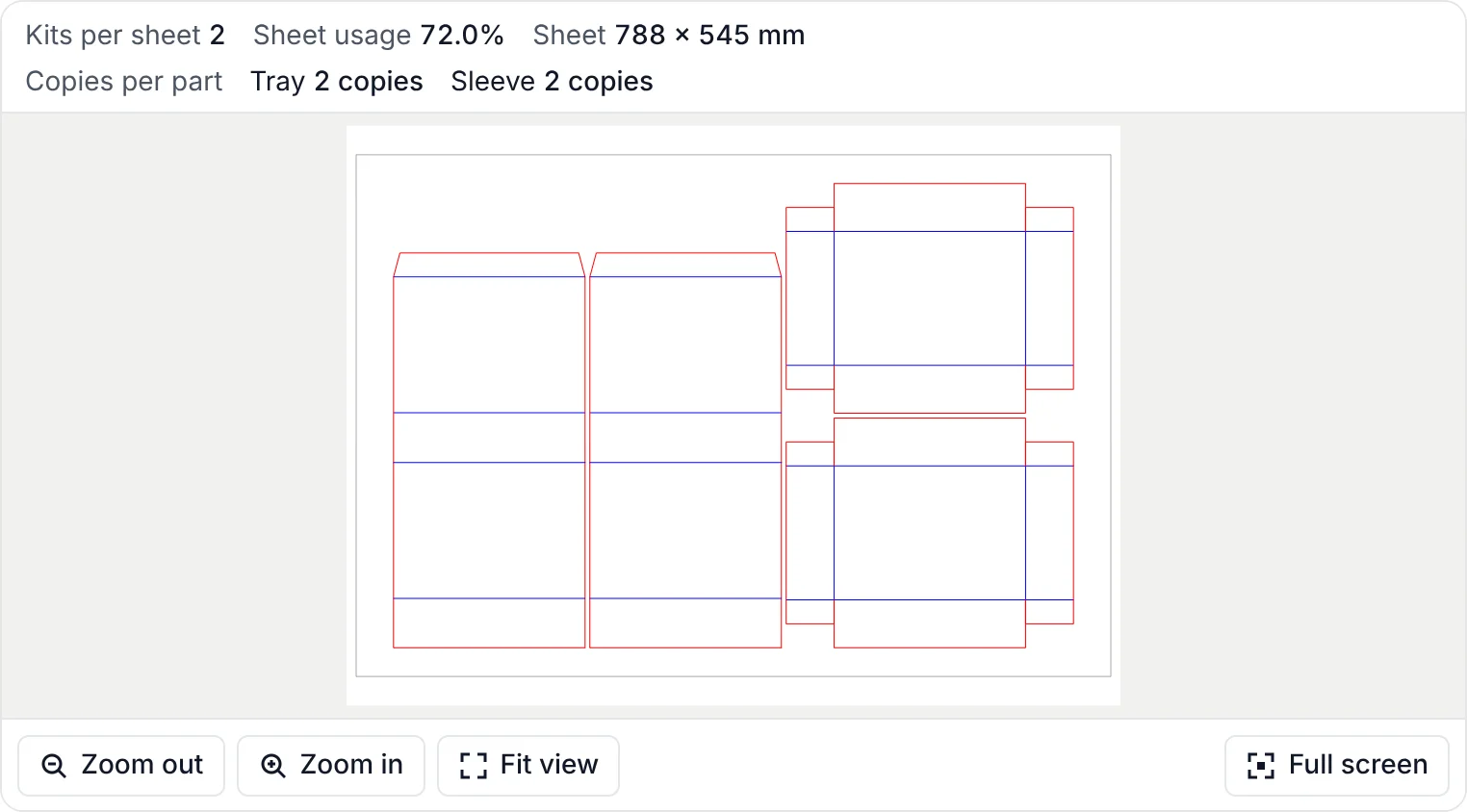
A kit layout shows complete sets rather than loose pieces: here the tray and sleeve from our kit-nesting example, two full sets on a 788 × 545 mm sheet.
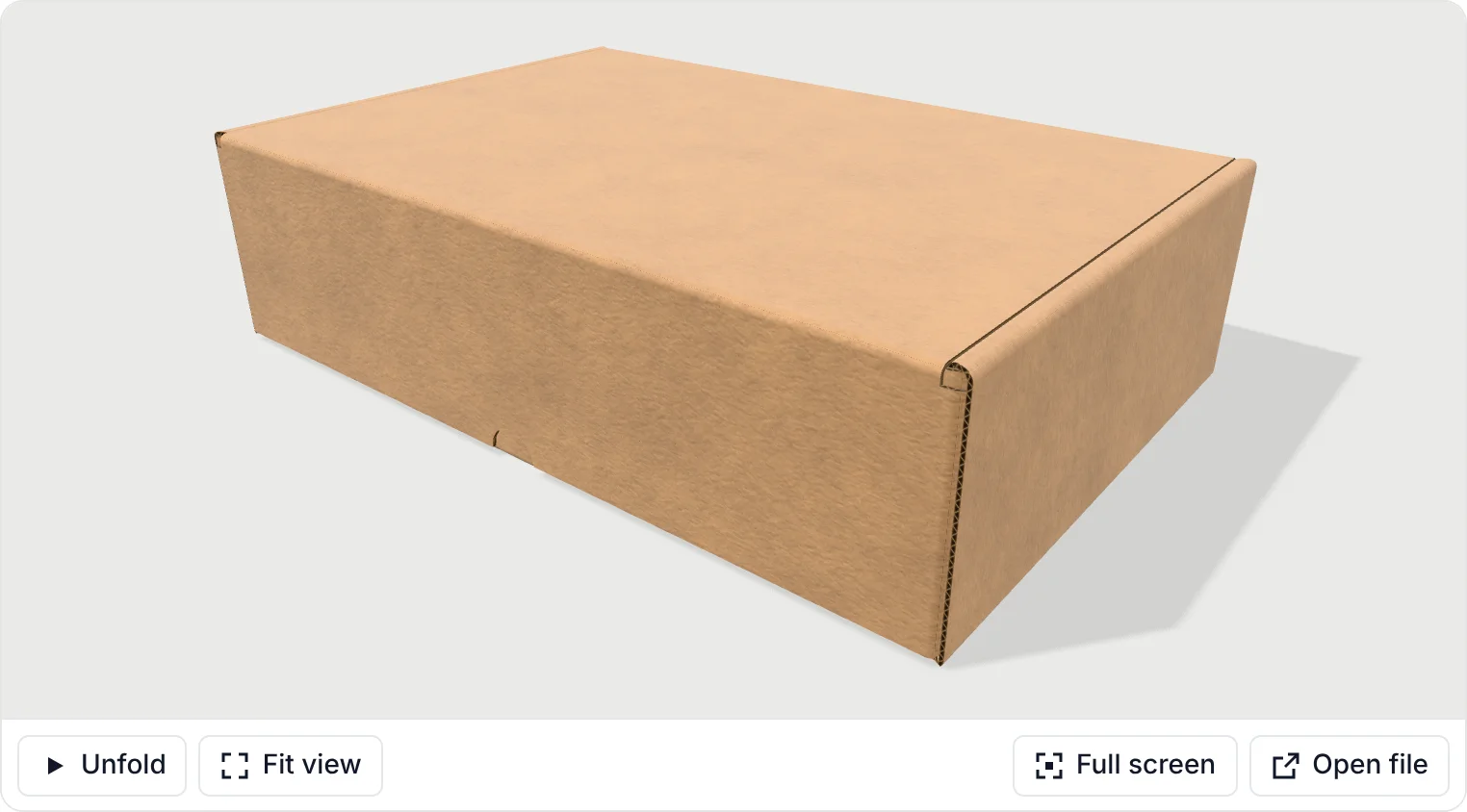
The 3D fold opens as a box you can turn, unfold and refold, built from the dieline itself rather than from a stock mockup. Clients that cannot show the interactive views, such as coding assistants, get the same results as text and links.
From Dieline to Artwork on the Box
The connector closes the loop a brand designer usually runs by email. The assistant downloads the dieline as a PDF or AI file with the dieline, dimension and artwork layers separated. The designer places the artwork in Illustrator and uploads the file through a link the assistant provides. A few moments later the same box comes back in 3D with the artwork on it, as a page to share and a GLB file.
Bring a Die Drawing, Find the Template
Most converters hold years of customer die drawings as DXF files. Upload one through the connector and Packative CAD ranks the library dielines built the same way, up to eight, each with a score and the reason it matched. From there the assistant can size the matching template and carry on as with any other.
What It Costs and What Is Kept
There is no separate subscription. The connector signs in with your Packative CAD account through a Google sign-in and draws on the same monthly credits as the web app, at the same cost per action. Drawing the same dieline at the same sizes again within a month is free, and so is looking things up or getting a fresh link to a file made in the last seven days.
Uploaded artwork and DXF files are used for the job you asked for and deleted within 24 hours. Tool calls are logged without your email address or file contents, so we can see how the connector is used and improve it.
Packative CAD is also the dieline engine inside Packative One, where the drawing feeds nesting and the quote. The background on why we built it is in why Packative CAD is free in beta.
Frequently Asked Questions
It is Packative CAD as an MCP connector, the standard way Claude, ChatGPT and other AI assistants use outside tools. Once it is connected, you ask for a box in plain words and the assistant searches the dieline library, sizes the template, lays it out on sheets, folds it in 3D or exports the file, using the same engine as the Packative CAD web app. The setup guide at https://cad.packative.one/help/guide/ai-assistants/ shows how to add it in Claude and ChatGPT.