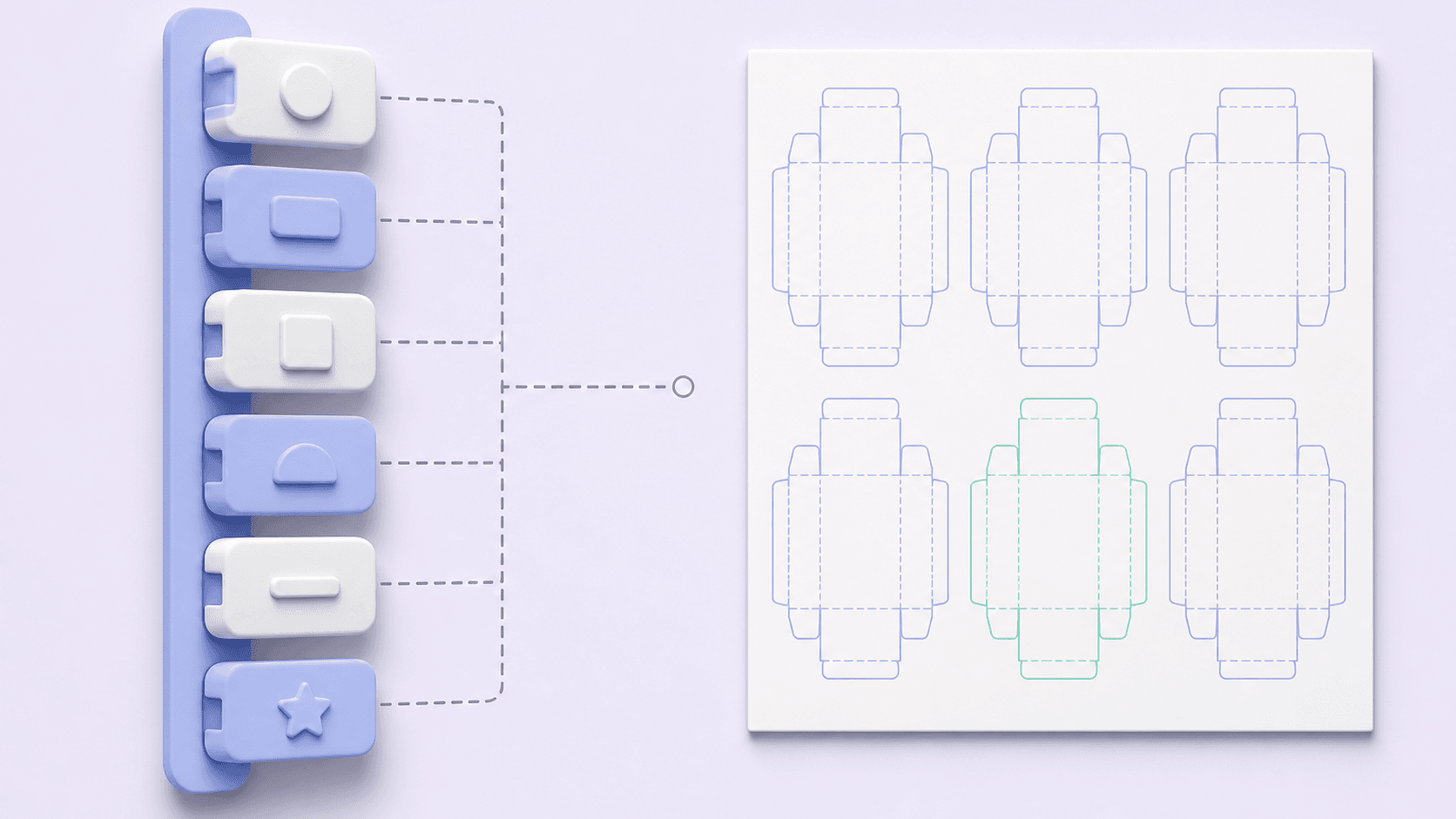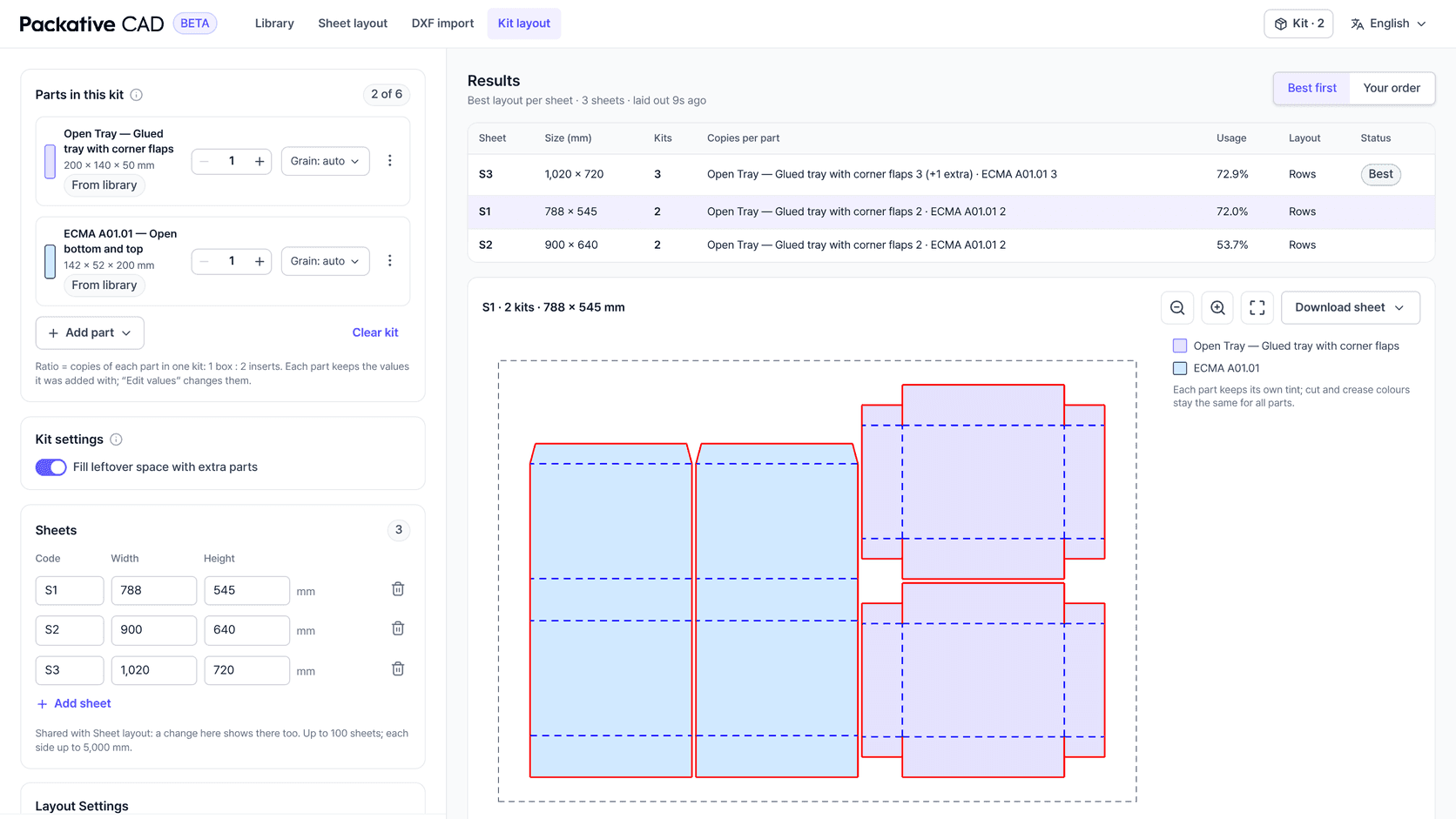
For the same tray and sleeve, a combination layout saved 500 sheets on one sheet size and cost 1,000 on another. Kit nesting, which the trade also calls a combination layout or multi-part nesting, lays every part of a product on one sheet in the ratio the product needs and counts complete sets. It saves a die and a make-ready. It does not always save board.
We ran one tray-and-sleeve pack, the kind of slide box our own packaging business sells, through Packative CAD on three common sheet sizes, for an order of 6,000 sets. The box, the board and the gaps stayed the same; only the sheet size changed.
Why Multi-Part Boxes Get Quoted by Habit
A two-part box is two layout problems that interact. Each part has its own best pattern on its own best sheet, and putting them together changes both. Working that out by hand for several sheet sizes takes long enough that almost nobody does it on a quote with a deadline.
So the quote follows the shop's habit. Some estimators price every part as its own job on its own best sheet. Others nest the kit by default, because one die and one make-ready feel cheaper. Both habits are right on some sheets and wrong on others.
The Same Box, Two Different Answers
The example is a slide pack: an open tray of 200 × 140 × 50 mm and the sleeve that slides over it, in 0.5 mm board, with 5 mm gaps and 10 mm margins. These are the layouts Packative CAD found, each part alone and the two as a 1:1 kit.
| Sheet (mm) | Trays per sheet | Sleeves per sheet | Complete sets as a kit |
|---|---|---|---|
| 788 × 545 | 4 | 3 | 2 |
| 900 × 640 | 6 | 6 | 2 |
| 1,020 × 720 | 8 | 6 | 3, plus 1 extra tray |
On the smallest sheet the parts fit badly on their own and well together, so the kit wins. On the middle sheet each part tiles the sheet cleanly alone, and putting them together wastes the room both were using.
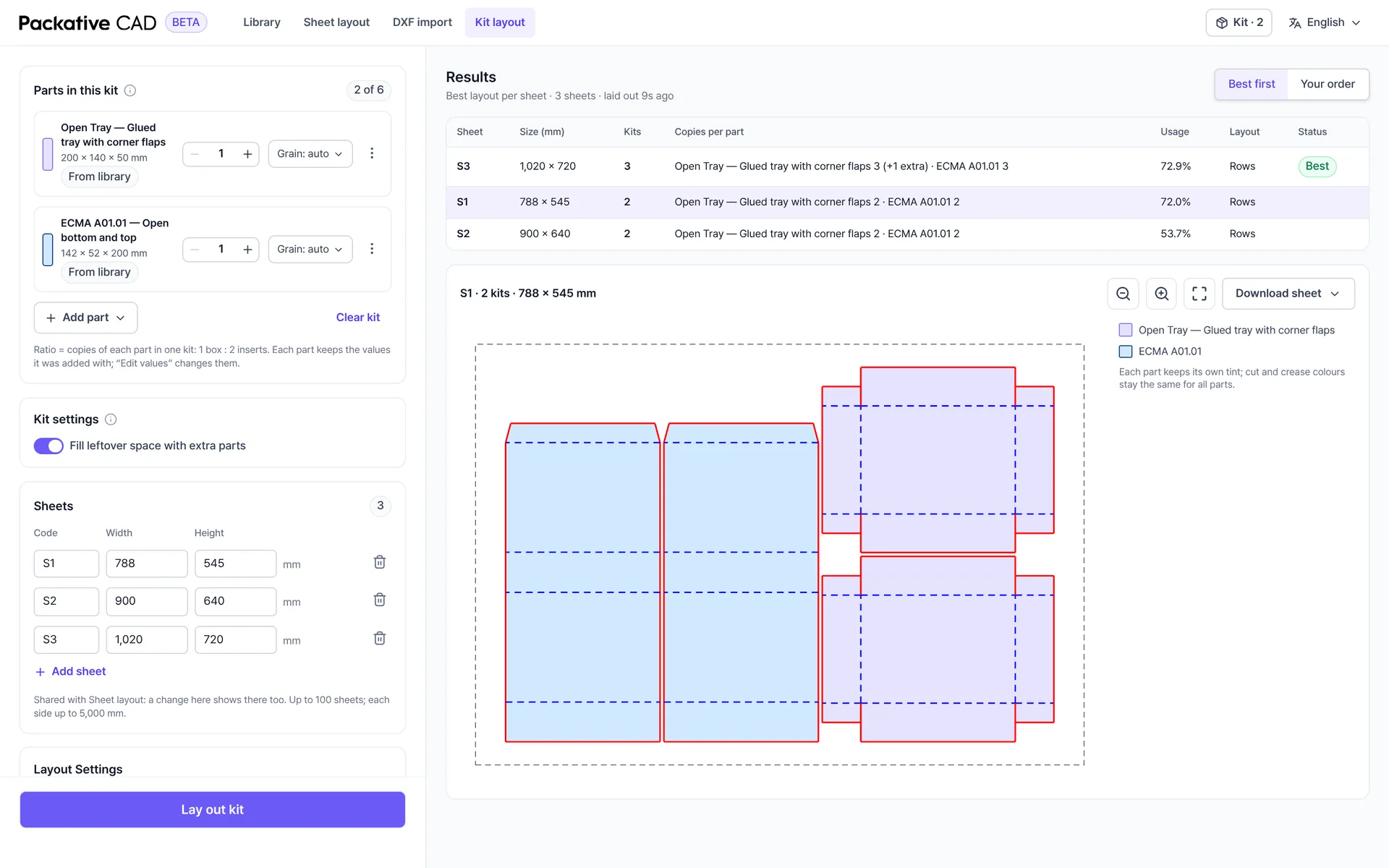
For an order of 6,000 sets, the kit saves 500 sheets on the 788 × 545 mm sheet and costs 1,000 more on the 900 × 640 mm sheet.
What the Sheet Count Leaves Out
Running the parts apart adds costs the sheet count does not show: a second cutting die, a second make-ready with its own waste sheets, and a second job to schedule, count and pack. Those costs are fixed per job, so they matter most on a short run and fade on a long one.
A kit has costs of its own. Both parts must share one board and one print, so a lid in a heavier board than its base cannot share the sheet at all. A reprint of one part means rerunning both. And a combination layout that fills leftover space with extra copies of one part makes overrun. On the 1,020 mm sheet above, every sheet carries a fourth tray nobody ordered. Packative CAD reports those extras separately and can switch them off for a balanced layout.
Quote Both Before You Pick
For any product with more than one part, lay out the kit and each part alone on the same list of sheets before the price goes out. If the kit wins on sheets, run it as a kit. If it loses, weigh the board you add against the die and make-ready you save at this quantity.
That comparison used to cost an afternoon. In Packative CAD it is two screens and a few seconds, on the free beta. In Packative One the same layouts are ranked by cost across your whole sheet catalogue and priced into the quote.
Frequently Asked Questions
Kit nesting puts every part of one product on the same sheet in the ratio the product needs, for example one lid to one base, or one box to two inserts, and counts complete sets per sheet rather than loose pieces. The trade also calls it a combination layout, and some CAD systems call it multi-part nesting. The aim is one die, one make-ready and balanced output instead of a separate job per part.